

You step off the plane at Menara Airport, phone in hand, and the first thing you want is a blue dot on Google Maps. You need to message your riad about the pickup, check your Uber or taxi price, and let your family know you landed.
That is when you find out how you will get internet in Morocco. You have two realistic choices: a physical SIM from the airport, or an eSIM for Morocco that you set up before you leave home. I have seen travelers try both, and the difference shows up in the first hour of the trip.
Option 1: Buying a physical SIM at the airport
Buying a local SIM is the classic way, and it still works. Morocco has three main mobile networks: Inwi, Orange, and Maroc Telecom. You will find their counters at the airport, and you may also see free SIM handouts in the arrivals area.
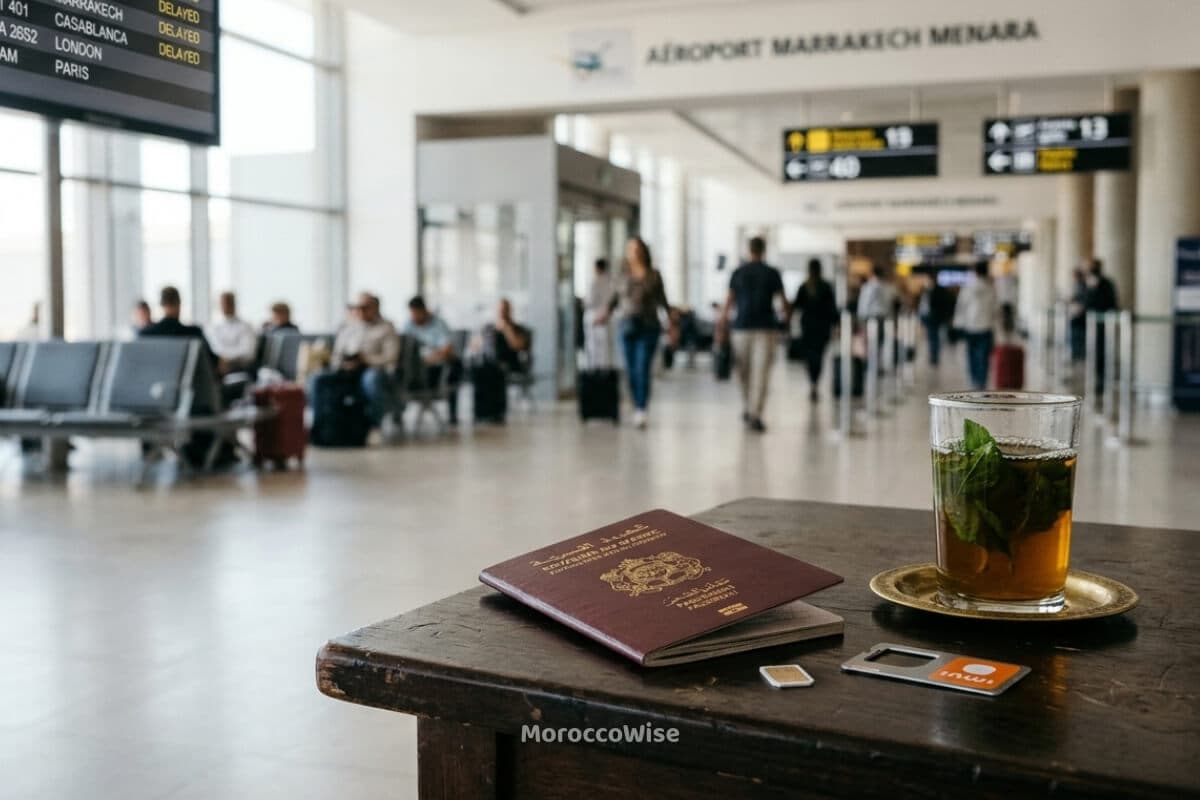
What to expect
- You need your passport. Moroccan SIM cards must be registered in your name, so the staff will scan or copy your passport details.
- The queue forms after passport control. Several flights tend to land close together, and everyone heads for the same few counters.
- You get internet last. Until the SIM is active, you are working without Google Maps, and without a way to confirm your transfer.
- Your phone has to be swapped. You remove your home SIM, insert the Moroccan one, and keep track of the tiny original card.
The free SIMs are tempting. Check what data they include and how long it lasts before you count on them, because a free card with a small allowance may not last through a few days of navigating the medina.
Who this option suits
A physical SIM makes sense if your phone does not support eSIM, or if you are staying for weeks and want a local number for deliveries and local contacts. For a typical holiday, though, you pay for it in time.
Option 2: The modern way, an Airalo eSIM
An eSIM is a digital SIM built into your phone. There is no plastic card and no counter. You buy a data plan online, install it with a QR code or in the app, and your phone connects to a local network when you land.
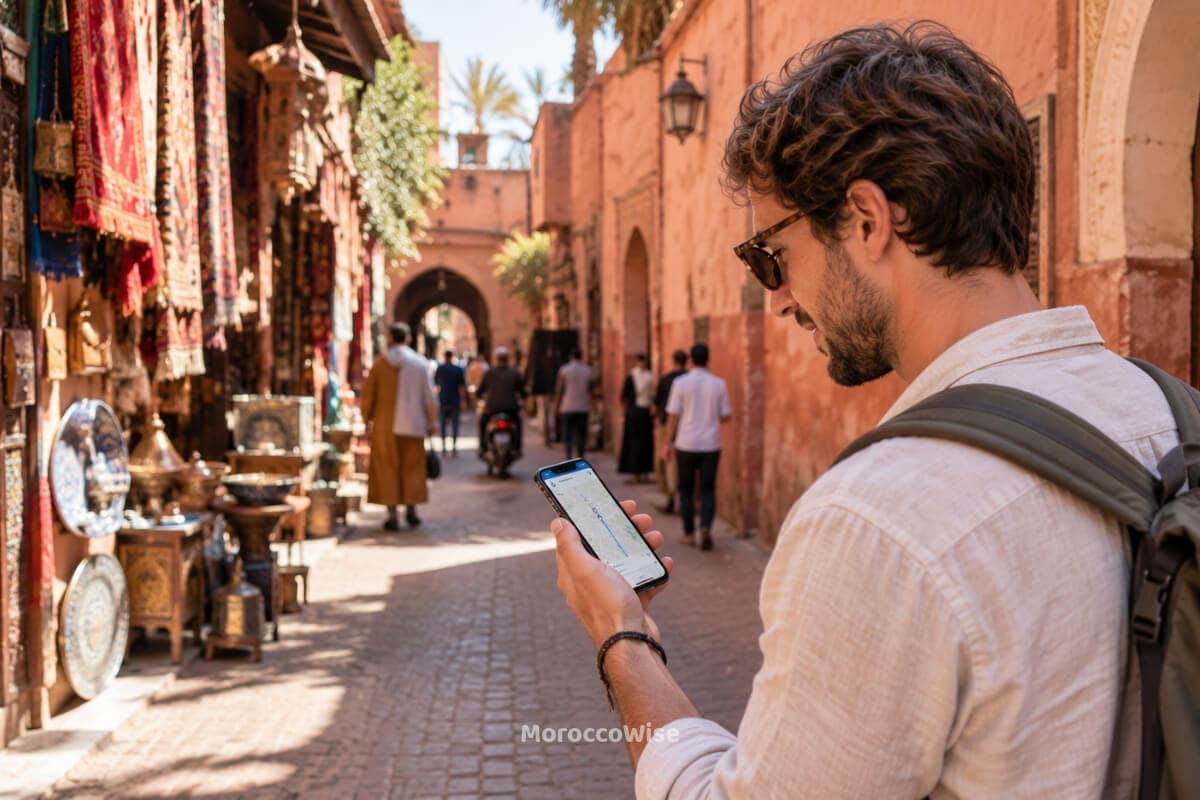
Airalo is an eSIM marketplace with data plans for Morocco and many other countries.
Check Airalo Morocco PlansWhy travelers prefer it
- You buy it before you fly. You sort out your internet at home, on Wi-Fi, with no pressure.
- It activates when you land. Turn it on as the plane taxis in and you are online by the time you reach the passport line.
- No queues and no passport scan at a counter. You walk straight past the SIM desks.
- Your home SIM stays in your phone. You keep your usual number for calls and texts, so verification codes from your bank still reach you.
- The data packages are cheap. You pick a plan sized to your trip instead of paying counter prices.
One thing to check first: your phone must support eSIM and be unlocked. Most recent iPhones and many recent Android phones do, but confirm in your settings or with your carrier before you buy.
How to install your Airalo eSIM before you travel
It takes a few minutes. Do it at home while you have a stable Wi-Fi connection.
Step 1: Choose your plan
Download the Airalo app, search for Morocco, and pick a data package that matches the length of your trip.
Check Airalo Morocco PlansStep 2: Install the eSIM
After you buy, follow the in-app instructions or scan the QR code to add the eSIM to your phone. Install it before you leave home, because you need an internet connection to do it.
Step 3: Switch it on when you land
In your phone settings, select the Airalo eSIM as your data line and turn on data roaming for it. Your phone should connect to a Moroccan network within moments. If it does not, restart your phone once.
SIM card or eSIM: the verdict
If you want the cheapest long-stay setup and a local number, the airport SIM works. If you want to land in Marrakech and be online straight away, the eSIM is the clear winner. You skip the queue, you skip the passport desk, and you open Google Maps before your bags reach the belt.
For most visitors, an Airalo eSIM for Morocco is the easiest way to save time and hassle.
Check Airalo Morocco Plans